
On Premises AI for GP Practices: One Machine in the Surgery Office
A surgery’s IT is the clinical system, the NHS network and whoever the ICB provides. An on-premises AI machine sits beside all of that, in the practice office, reading the administrative paperwork and nothing clinical.
£500 per month for the software and the hardware rental. You rent the machine — you don’t buy it.
On premises AI for GP practices is a dedicated AI machine installed in the surgery that drafts and searches the practice’s administrative documents — policies, complaint responses, PCN reports, patient letters and leaflets — with everything staying in the building. It is not connected to the clinical system, and is installed and supported by us.
Find out what machine GP practices need
A short call with the practice manager or a partner. Bring your DSPT lead; we will walk through the data flow.
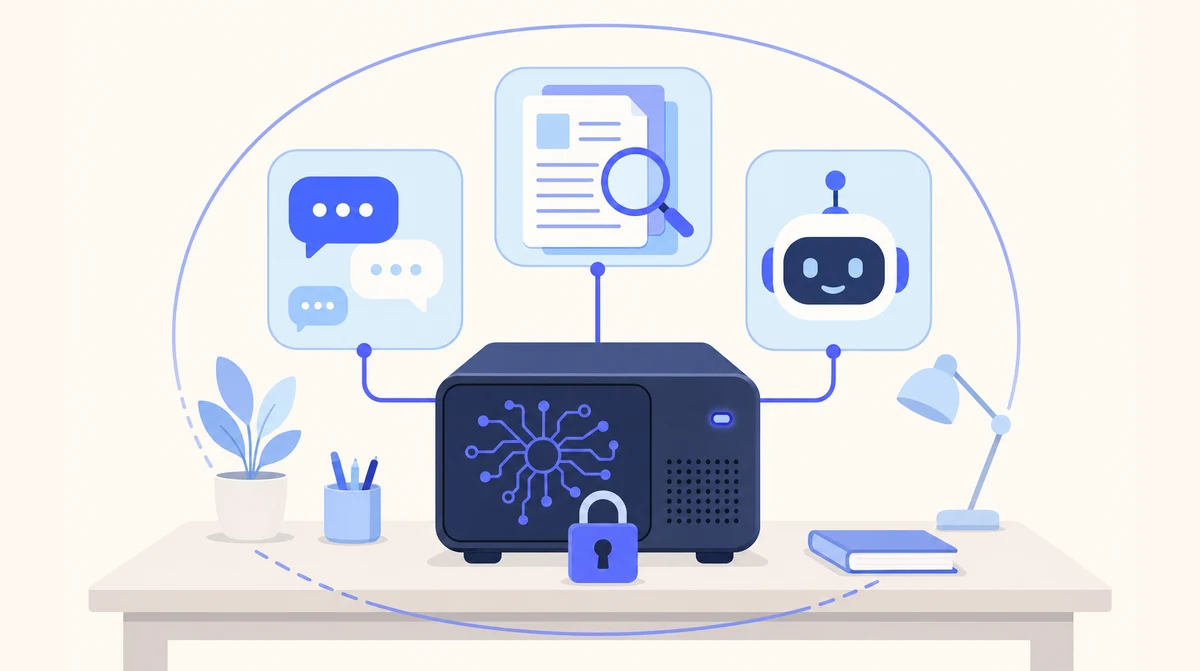
One machine in the practice office, running private chat, document spaces and assistants. Practice documents never leave the surgery.
Cloud Agents for the Phone, Local AI for Practice Documents
Appointment calls and the admin inbox suit a hosted agent; practice policies, complaints correspondence and hospital letters suit a machine inside the surgery. Many practices run both.
- ☁ Cloud-based AI Receptionist
- ☁ Cloud-based Email Manager
- ☁ Cloud-based Leads Outreach
- 🏢 On-premise Local AI
On-Premises Versus Cloud Versus Building Your Own
Three routes to the same goal for GP practices. Only one leaves you without a server to look after.
| Cloud AI subscription | Build your own on premise AI server | Our on-premises AI in the surgery | |
|---|---|---|---|
| Where your documents are processed | The provider’s servers | Your building | Your building |
| Hardware | None | You research, buy and configure it | One machine, sized for you and rented, not sold |
| Installation | Sign up | Your IT person’s project | Done by us, in the surgery |
| Updates and model upgrades | Automatic, on their schedule | You | Us, as part of support |
| When it breaks | Their status page | You | Restored from backup by us |
| Time to live | Days | Open-ended | Weeks, not months |
Beside the Clinical System, Never Inside It
GP practices are careful about what goes on the network, and rightly: the clinical system, the NHS connection and the governance around them are not things to experiment with. So the first thing to say about an on-premises AI machine in a surgery is what it is not connected to. It does not connect to the clinical system. It does not read the clinical record. It is not a medical device, and it is not for clinical decisions. It is a machine in the practice office for the administrative paperwork.
That paperwork is enormous. Policies and procedures to keep reviewed, complaint responses that must be careful and inside the NHS complaints timescales, PCN and contract reporting, patient information leaflets, staff handbooks, meeting minutes, and the evidence a CQC inspection will ask to see. All of it is either patient-identifiable or practice-confidential, which is why none of it can go to a public chatbot and why a machine in the building is the right shape.
The install is ours, and we would rather your DSPT lead or Caldicott Guardian was on the first call, because the data flow is the thing they will want to see. The machine goes on the practice network in the office; sign-in connects to the Microsoft 365 or Google Workspace accounts staff already have; policies, templates and correspondence are imported into spaces; and the practice manager, reception and admin team are trained on what it does and what it is not for.
From then on the practice manager can draft a complaint response from the file and the complaints policy and edit it into the practice’s own voice, a receptionist can find the chaperone policy and its review date with the page cited, and a PCN manager can have the quarterly report assembled from the practices’ submissions. Updates, model upgrades and support stay with us. Nothing lands on the ICB’s IT queue.
One On-Premises AI System, Three Things It Does
Every part of the system runs on the machine in the surgery.
Private chat
A ChatGPT-style assistant on your own machine. Ask questions, upload documents and images, work through drafts — without any of it going to an outside service.
Document spaces
Organise files and correspondence into spaces. Search, summarise and compare across hundreds of documents, with citations to the page each answer came from.
Custom assistants
Automations built around your workflows — recurring reports, standard memos, routine checks — running on the same machine as everything else.
| Document | What the practice asks for | What stays where |
|---|---|---|
| Policies and procedures | Find it, check the review date, cite the page | On the machine, in the surgery |
| Complaint files | A draft response from the file and your complaints policy | On the machine, in the surgery |
| PCN and contract reporting | The quarterly report assembled from submissions | On the machine, in the surgery |
| Patient letters and leaflets | A draft in the practice’s wording | On the machine, in the surgery |
| National guidance and CQC evidence | A summary against what the practice already does | On the machine, in the surgery |
| Clinical records | Not used — stays in the clinical system | Your clinical system |
From Practice Manager’s Call to a Machine in the Office
Weeks, not months. Most practices start with the policies folder or the complaints process; PCNs usually start with one practice.
A call with the practice manager
List size, PCN role, how many staff, which paperwork goes first. We specify the machine from that and walk through the data flow with your DSPT lead.
Install and import
The machine goes on the practice network. Sign-in connects to your Microsoft 365 or Google Workspace. Policies, templates and correspondence are imported into spaces.
Train the office, then support
We train the practice manager, reception and admin team on what it does and what it is not for, then keep the software and models current.
Where Local AI Is the Wrong Answer
We would rather lose the enquiry than the trust. Three things we tell every prospect before they sign anything.
It is not the answer for the phone or the inbox
An on-premises machine is built for confidential, document-heavy work. Call answering and inbox triage are better served by our hosted agents, which need no hardware and are live in days. Plenty of GP practices run both.
It is slower than the big cloud models
Open-weight models on a single machine are capable for summarising, drafting and answering questions about your own documents. For frontier reasoning on hard, novel problems, the largest cloud models are still ahead. That is the trade.
It is a weeks-long install, not a sign-up
A cloud agent is live in days. Local AI needs the machine specified, delivered, installed on your network and your documents imported. Weeks, not months — but not tomorrow.
Built by People Who Run Their Own
One arrangement covers it
Machine, installation, training and ongoing support from one team. No hand-off between a hardware supplier, a software vendor and an IT contractor.
Rented, not sold
The machine is specified for your team and its open-weight models after a conversation, then rented to you with the software for £500 a month. Start with one team; adding people later is configuration.
UK data protection built in
No third-party AI processor and no restricted transfer for the AI step. UK GDPR and the Data Protection Act 2018, the ICO as regulator, and a data processing agreement for the support access you grant us.
Honest about the trade
Local models are capable and a little slower than the biggest cloud services. We say so up front, and we will tell you if a cloud agent is the better fit.
Which Page Answers Your Practice’s Question
| If your question is… | The short answer | Read more |
|---|---|---|
| What is the full on-premises system? | One machine: chat, spaces, assistants, support | On-premises AI solution |
| We want the Local AI overview for GP practices | The head page for surgeries | Local AI for GP practices |
| What does our DSPT lead need? | No processor, no transfer, for the AI step | GDPR Compliant AI for gp practices |
| We want a private ChatGPT for the office | That is the private chat assistant | Private AI for gp practices |
| The 8am phone queue is the real problem | A hosted agent, live in days | AI Receptionist |
| We are a dental practice, not a GP | A machine in the practice office | On-Premises AI for dental practices |
| Why on-premises at all? | The case for Local AI, in full | Local AI product page |
On-Premises AI for GP Practices: Common Questions
What is on premises AI?
A system where the AI models run on hardware inside your own building instead of on a provider’s servers. Your documents, prompts and chat history stay on that machine. Ours is a dedicated computer we supply, install in the surgery and support.
What hardware does an on premise AI server need?
It depends on how many people use it and how large your document set is. We size and specify the machine for you after a short call — the same conversation decides which team goes first.
Does the machine go on the NHS network?
It goes on the practice’s own network in the office, and it is not connected to the clinical system. How your practice network is arranged alongside the NHS connection is something we check on the first call with your DSPT lead, before anything is delivered.
Can a PCN share one machine across practices?
Usually a PCN starts with one practice and one job, then decides. Each practice’s documents stay on that practice’s machine; a PCN manager’s reporting can run on a machine at the PCN’s own office from the submissions the practices provide.
Does it connect to our clinical system?
No, and it should not. The clinical record stays in your clinical system. It works on the documents around the practice — policies, correspondence, reports, leaflets — which are imported into spaces on the machine.
How does it fit with the Data Security and Protection Toolkit?
The DSPT asks you to know where data is processed and by whom. With a machine in the surgery the answer is: here, by nobody else. There is no third-party AI processor and no transfer for the work it does. Bring your DSPT lead or Caldicott Guardian to the call.
How much does Local AI cost?
£500 per month for the software and the hardware rental. The dedicated machine is rented to your business, not sold: you never buy the hardware. It is installed in your building and runs the private chat, document spaces and assistants. Local AI is for business customers only.
Put One Machine in the Surgery Office
Tell us your list size and which paperwork takes the practice manager longest. One short call to size the machine, with your DSPT lead welcome on the line.
Prefer email? sghaith@businessaiagents.co.uk