How to recall an email in Gmail, step by step
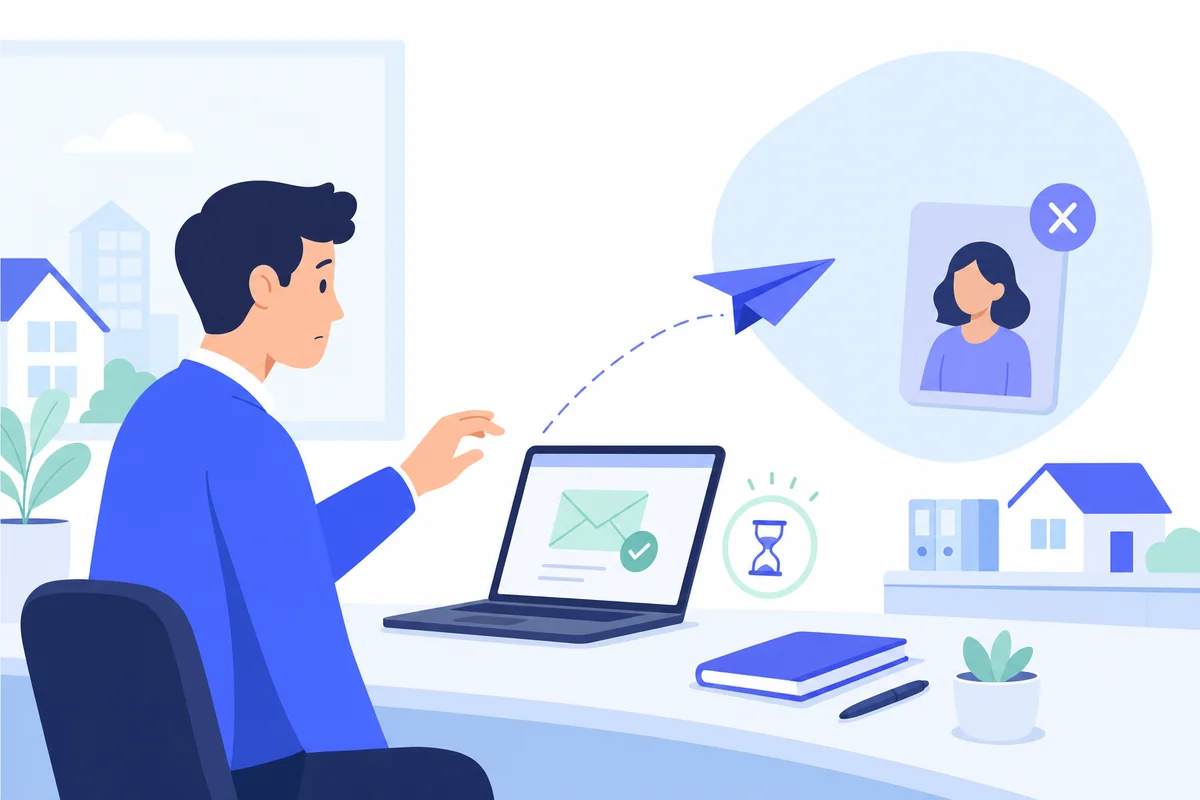
Thursday, 5.40pm, a four-branch estate agency in Manchester. A negotiator is clearing the day's emails and sends a vendor's full valuation report — asking price, the reason they're moving, the bit about the divorce — to Sarah. Autocomplete supplied the surname. It was the wrong Sarah: an applicant who viewed the property in March and never came back.
She sees it. The bottom of the screen says Message sent, and next to it, for a moment, Undo. Then it's gone. So is the countdown, and so is any version of the evening she had planned.
Undo Send, in the seconds you have
Do this the moment you realise, and nothing else first:
- On a computer, look at the bottom left. Gmail shows a small dark box reading "Message sent" with Undo beside it. Click Undo. The message reopens as a draft and was never delivered.
- On Android or iPhone, the same bar appears along the bottom of the screen with an Undo option. Tap it. It vanishes faster than you'd like, which is why it's worth deliberately practising once on an email to yourself.
- If the box has gone, it is gone. There is no menu item, no keyboard shortcut and no setting that brings it back. Skip to the next section, which is about the twenty minutes that follow.
Set the cancellation period to 30 seconds now
Gmail ships with the window set to 5 seconds, which is roughly the length of time it takes to think "wait". You can extend it to 30, and there is no downside beyond your emails arriving half a minute later.
On desktop: the gear icon → See all settings → General → Undo send, and choose a send cancellation period of 5, 10, 20 or 30 seconds — then scroll down and click Save Changes, which is the step people forget. The setting is per account, not per device: change it once on a laptop and your phone follows.
Thirty seconds is the ceiling. Google has offered the same four options for years and there is no enterprise tier, admin console or paid plan that raises it.
Why this isn't really a recall
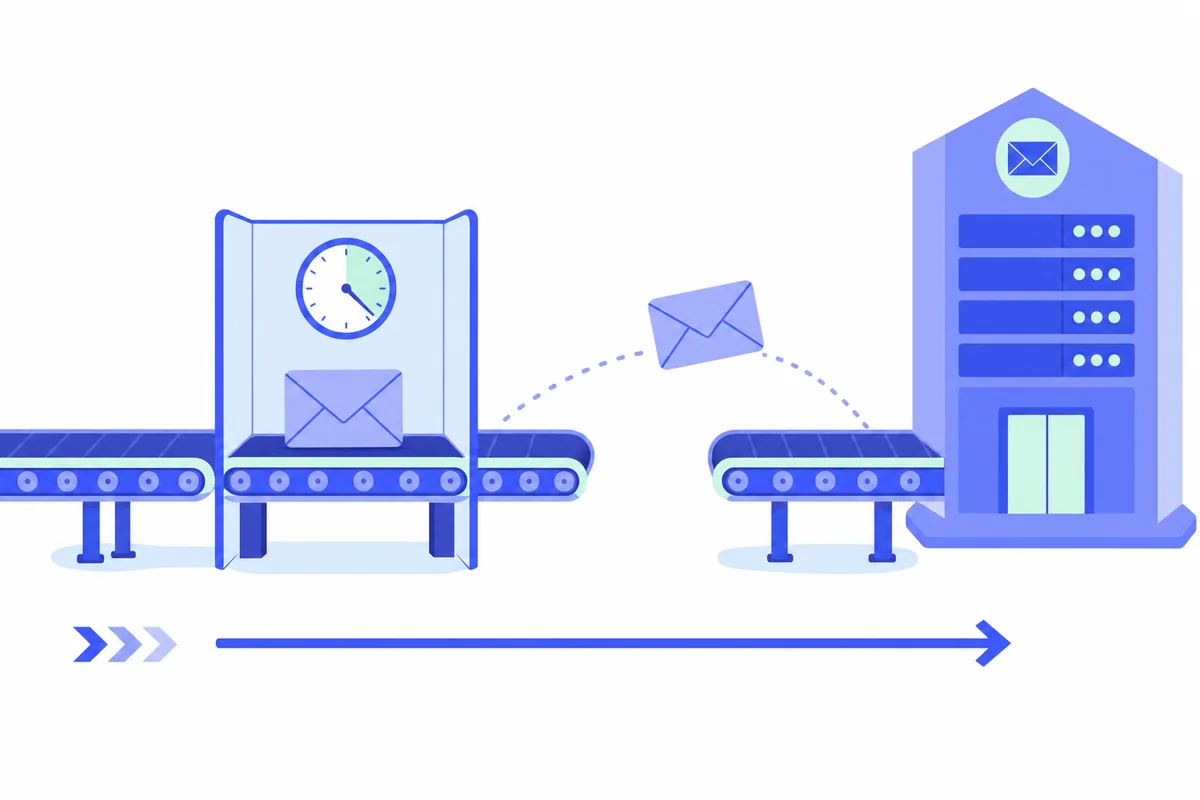
Undo Send doesn't reach into anyone's inbox and take an email back. It postpones the send. During your 5 to 30 seconds the message is sitting on Google's own servers with a timer on it, and clicking Undo simply cancels the delivery before it starts. The recipient never gets anything — no email, no notification, no trace.
The instant that timer expires, Gmail hands the message to the recipient's mail provider, and that copy belongs to them. This is how email has worked since long before Gmail existed: it is a delivery system, not a shared document. Deleting the message from your Sent folder deletes your copy and does nothing whatsoever to theirs.
Which is why the honest answer to "can you recall email from Gmail" is: only before it was sent. Everything else marketed as recall is one of the four things in this table, and it pays to know which one you're being sold.
| What it's called | What it actually does | Works when | Gets the email back? |
|---|---|---|---|
| Gmail Undo Send | Delays delivery by 5-30 seconds so you can cancel | Always, inside the window | Yes — because it never went |
| Outlook message recall | Asks the recipient's mailbox to delete the message | Same Microsoft 365 organisation, message unread | Sometimes, and never outside your org |
| Delete from Sent | Removes your own copy | Always | No |
| Gmail confidential mode | Sets an expiry and blocks forwarding, copying and printing | Only if switched on before sending | Revokes access, but cannot stop a screenshot |
Confidential mode is the one worth knowing about in advance, because it's the only entry that helps after delivery — and only for messages you had the foresight to send that way. For the valuation report that went to the wrong Sarah, nobody had that foresight. Nobody ever does.