Why Use a Local LLM? The Case for Self-Hosting AI in Your Own Office

Published on 27 October 2026
Business AI Agents logo
Dr. Shadi Ghaith Founder, Business AI Agents ·

Why use a local LLM? Because it keeps your documents on your own machine, not a provider's servers. It also gives you a cost that does not rise with every new starter, a model that changes only when you say so, and work that carries on offline. The trade-off is a lower ceiling than the biggest cloud models.

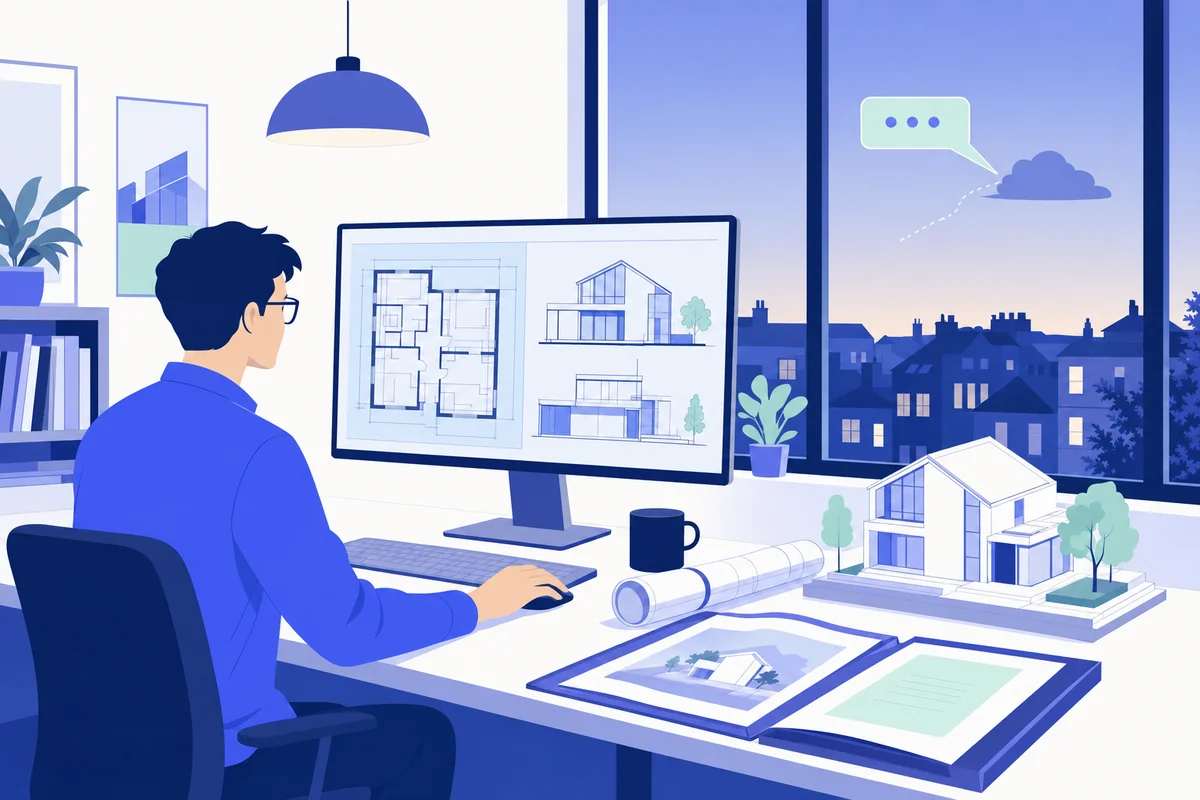
Architect at a studio desk at dusk, floor plans on screen, a scale model beside him and a chat window drifting to a cloud
Twenty past seven, one planning response, and a free chatbot one paste away.

Why an architects' practice asked us about running its own LLM

Tuesday, 7.20pm, a 14-person architects' practice. A project architect has a planning response due in the morning: a client brief, two consultants' reports and eleven objection letters to boil down into one reply. He pastes the lot into a free chatbot and gets a tidy summary in forty seconds. Then he remembers the confidentiality clause in the client's appointment, and that every one of those letters carries a neighbour's name and home address.

The practice director rang us the following week with a question that sounded technical and wasn't: why use a local LLM when ChatGPT already works? Here is the answer we gave, including the parts most guides leave out.

How common the evening paste has become

Ordinary, and mostly well meant. A Microsoft UK survey (2025) of 2,003 employees found 71% have used unapproved consumer AI tools at work, and 51% still do so every week. Architects are no exception: the RIBA AI Report 2025 found practices using AI rose from 41% in 2024 to 59% in 2025.

The guard rails have not kept pace. The government's Cyber Security Breaches Survey 2025/26 found that of businesses using or considering AI, only 24% have security practices in place for it. In a 14-person practice, that usually means nobody has decided what may go into a chatbot, so everyone decides for themselves at 7.20pm.

Why it bites harder in an architects' practice

Because the material is confidential twice over. The ARB Architects Code requires architects to “protect the confidentiality and security of information for which they are responsible” (Standard 4.6), and many client appointments add their own clause on top. Objection letters, client contact details and occupants' names are personal data under UK GDPR. And an unreleased scheme is commercially sensitive in its own right: the same RIBA report found 67% of architects worry AI will increase the risk of their work being imitated. A design that leaks before planning is the one kind of publicity nobody wants.

Where a cloud chatbot keeps what you send

On the provider's servers, under the provider's rules. Google keeps Gemini chats selected for human review for up to three years and asks users not to enter “confidential information that you wouldn't want a reviewer to see”. Anthropic keeps consumer Claude chats used for training for up to five years. The National Cyber Security Centre puts the safe habit plainly: do not include sensitive information in queries to public LLMs. None of this is bad faith. It is simply the terms of a free plan, and they were not written with your client's appointment in mind.
Need Help with AI Solutions?

Get in touch with our team or try our AI assistant.

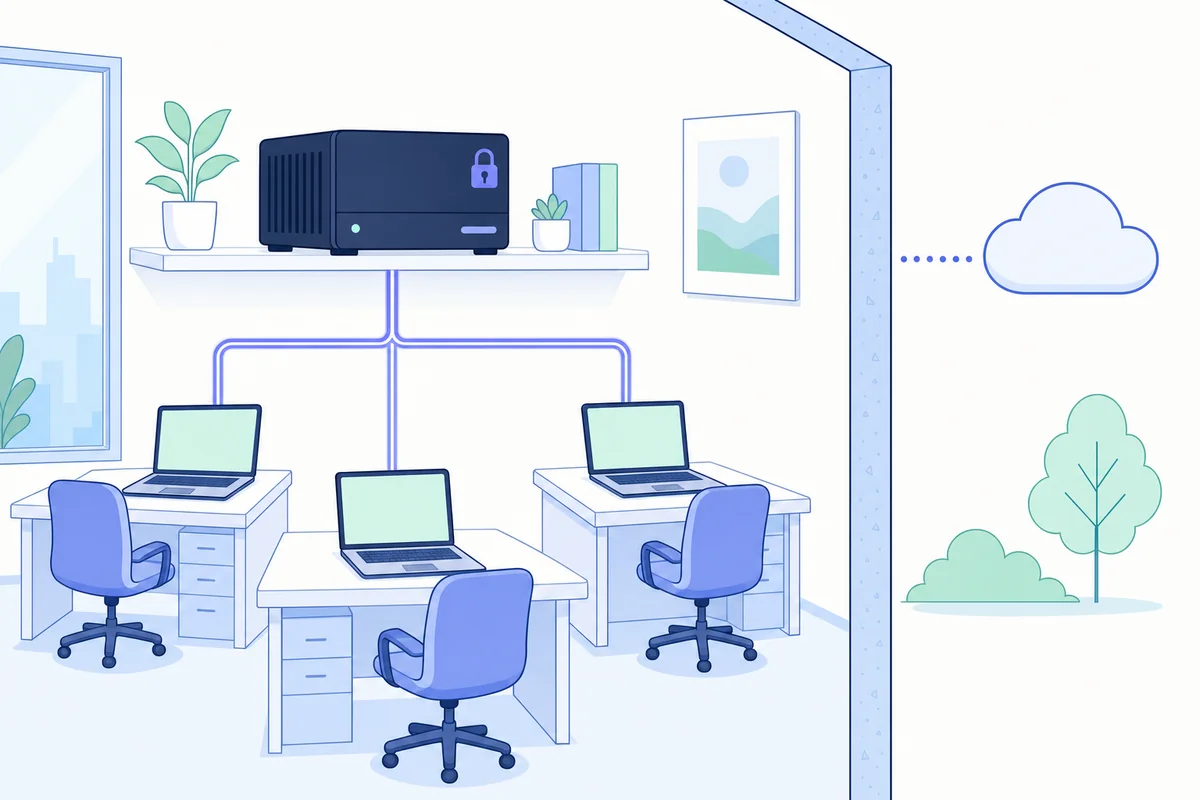
Office with one locked AI computer on a shelf wired to three laptops, while a cloud outside the wall stays unconnected
A local LLM: one machine inside the walls, and a dotted line to the cloud that stops at the wall.

Why use a local LLM? Six reasons, and the honest limits

A local LLM is a language model that runs on a machine you control instead of a provider's servers. Businesses use one to keep confidential documents in the building, to pay a fixed cost instead of a per-seat bill, to stop the model changing without warning, and to work offline. It trades a little top-end quality for that control.

An LLM (large language model) is the engine inside ChatGPT: a large file of numbers, called weights, that predicts the next word well enough to draft, summarise and answer questions. “Open-weight” models publish that file so anyone can run it. Google's Gemma 3, Alibaba's Qwen 3 and OpenAI's own gpt-oss, released in August 2025 under the Apache 2.0 licence, are all free to download and run on your own hardware. Most people asking why use local LLM tools at work are after one of six things:

ReasonWhat it meansIn a 14-person practice
PrivacyPrompts and documents stay on your own hardwareClient briefs and objection letters never leave the studio
Predictable costNo per-seat or per-token billThe two summer students cost nothing extra
A model that stays putIt changes only when you upgrade itThe fee-proposal prompt that worked in March still works in October
Works offlineIt runs on your network, not the internetA broadband outage does not stop the planning statement
Answers from your own filesIt searches your library and cites the page“What did we specify for the Elm Road roof?” answered from the archive
A simpler data protection storyNo AI provider processing personal data, no overseas transferOne fewer processor in the record of processing

Can a local LLM access the internet?

Not unless you let it. The model turns text into text; it has no browser and fetches nothing on its own. It only reaches the web if someone connects a search tool, and at that point the search queries leave your network even though your documents do not. LM Studio's documentation says it plainly: “Nothing you enter into LM Studio when chatting with LLMs leaves your device”. In Open WebUI, a popular chat screen for local models, web search is an admin setting that stays off until someone switches it on. That is the behaviour you want by default, and our own guide to AI that works without the internet goes further into what offline does and does not cover.

Can I run an LLM locally on my own computer?

Yes, for one person. Memory matters more than processor speed: the whole model has to fit in your graphics card's memory, or in a Mac's shared memory, or it slows to a crawl. These are the published download sizes from the Gemma 3 and Qwen 3 model pages and OpenAI's gpt-oss release:

Open modelSize on diskRough machine it needsGood for
Gemma 3 4B3.4GBMost laptops with 8GB of memoryRewording, short drafts
Gemma 3 12B8.2GBA 16GB laptopSummaries, letters, email replies
gpt-oss-20bRuns within 16GB of memoryA 16GB graphics card or a 32GB MacA general office assistant
Qwen 3 32B20GBA 24GB graphics cardLong documents, better reasoning
gpt-oss-120bFits a single 80GB GPUA dedicated serverThe closest to the big cloud models

The project architect's laptop would run Gemma 3 12B quite happily. For him. Not for fourteen people at 9.05am on a Monday, each with a 60-page report open.

How to host an LLM locally: the four parts

  1. A machine with enough memory for the model you choose, from the table above.
  2. A runtime, the software that loads the model and answers requests: Ollama is the simplest, llama.cpp the leanest, and vLLM the one built for many users at once.
  3. A front end, the chat screen your staff see. Open WebUI adds user accounts and document uploads; it needs sign-in switched on and should never be exposed to the open internet.
  4. The models, downloaded once and stored on the machine.

A technically minded partner can get those four running on one desk in an evening; our walkthrough of running AI locally covers that version. The parts nobody writes up come after: who gets an account, which folders each person may search, applying updates, upgrading models, and what happens when the machine stops on a Friday afternoon.

What a local LLM is worse at

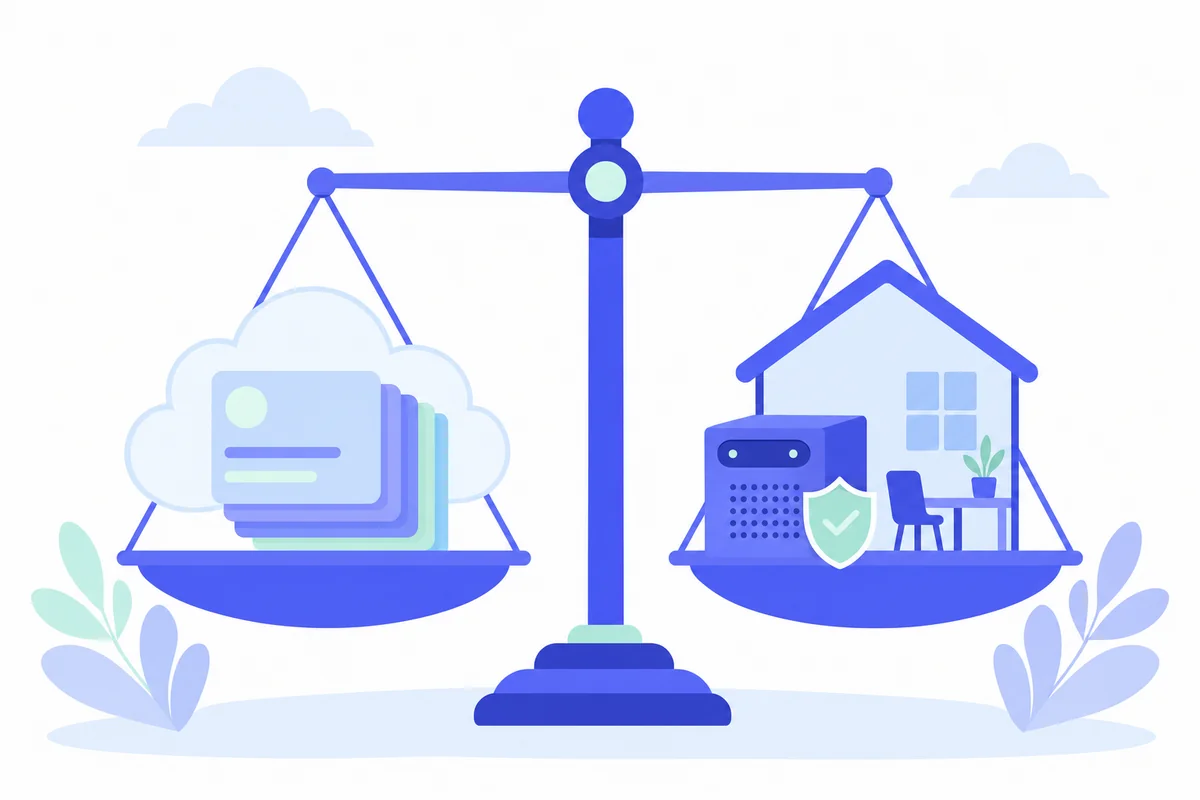
Balance scale weighing a cloud full of subscription cards against a small AI computer with a shield inside an office
The trade: a little top-end quality for control over cost and data.

Three things, honestly. First, peak quality: a 2025 Carnegie Mellon cost analysis found that “commercial APIs retain a slim lead in peak accuracy”. Second, hardware: the same paper found small on-premise models can pay for themselves within a few months, medium ones in about 2 years and the largest in about 5, before counting anyone's time. The NCSC also warns that self-hosting is likely to be expensive and needs its own security assessment. Third, speed on long jobs: a model sized to an office machine reads a 200-page tender pack more slowly than a data centre does.

If your work is mostly marketing copy with nothing confidential in it, a business-tier cloud tool is the better buy, and we would say so.

Need Help with AI Solutions?

Get in touch with our team or try our AI assistant.

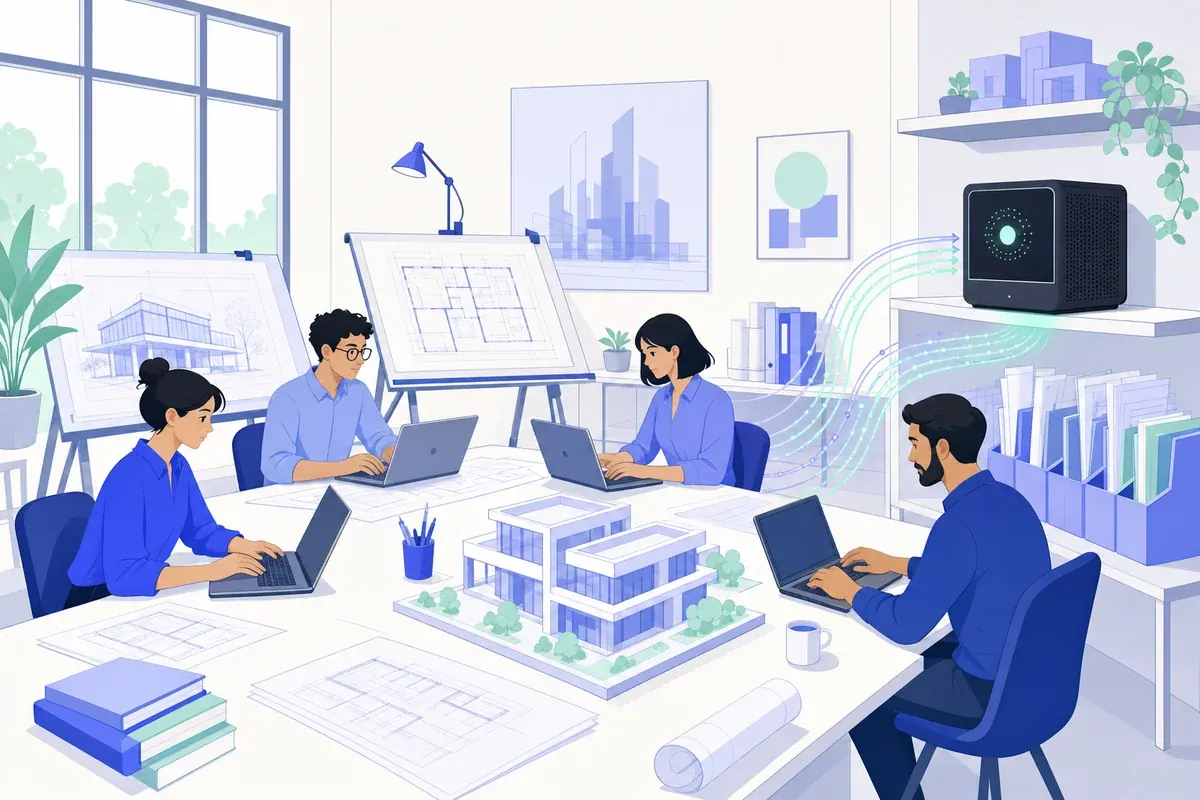
Four architects at laptops around a building model, all linked to one compact AI machine on a shelf holding project drawings
One rented machine on a shelf, shared by the whole studio, with every drawing and letter staying on it.

How to self-host AI without becoming the IT department

Hand the upkeep to someone whose job it is. That is what our Local AI service does: a dedicated machine, rented to the practice rather than sold, installed on its network and running open-weight models. You get the privacy of self-hosting without anyone in the office having to look after a server.

Staff sign in with the Microsoft 365 or Google accounts they already have, and use a ChatGPT-style assistant, document spaces that answer with citations back to the page, and custom assistants for routine jobs. Nothing they type goes outside; the only outside connection is the sign-in itself. Here is what changes compared with doing it yourself:

The jobSelf-hosting it yourselfWith Local AI
Choosing the hardwareYou research graphics memory and buy the machineWe size it after a short call; it is rented, not bought
Installing the softwareSomebody's evening, then somebody's weekendInstalled on your network by us
Sign-in and who sees whatA separate set of passwordsMicrosoft 365 or Google sign-in, with access rules per document space
Updates and model upgradesWhenever someone remembersKept current by us
When it stops workingYouThe people who installed it
Cost shapeHardware up front, plus your timeOne monthly fee covering the software and the hardware rental

More on the set-up itself is on our self-hosted AI page. For the practice in the opening scene, the split of work looked like this:

Practice taskWhat is sensitiveWhere it runs
Summarising objection letters for a planning responseNeighbours' names and home addressesLocal AI
Searching past specifications and project filesClient and site detailsLocal AI, in a shared document space
Drafting a fee proposal from the client briefCommercially confidentialLocal AI
First read of consultants' reportsConfidential under the appointmentLocal AI
Award entries once a scheme is publicNothingAny tool the team likes
Phone enquiries from prospective clientsA name and a numberCloud AI Receptionist

What it changes for UK GDPR and ARB Standard 4.6

It removes the hardest question rather than answering every question. With the model on the practice's own machine, there is no AI provider processing the neighbours' personal data and no restricted transfer to justify overseas. The practice stays the data controller; we act as a processor only for the support access it chooses to grant us, under a written agreement. Its documents are never used to train any model. The local LLM for UK businesses page sets out the data protection detail in full.

It does not do the thinking for anyone. An architect still checks every summary against the letters before it goes in a planning response, exactly as he would a junior's draft.

When we tell people not to bother

If one person wants to experiment, a laptop and a free app are enough. If nothing you handle is confidential, the cloud is simpler. And plenty of our clients run both: cloud agents for the phone and the inbox, a local LLM for the documents that should never leave the building.

Need Help with AI Solutions?

Get in touch with our team or try our AI assistant.

Questions people ask before running a local LLM

Frequently asked questions

Why use a local LLM?

To keep confidential documents on hardware you control. A local LLM also gives you a cost that does not grow with every seat, a model that only changes when you choose, and work that carries on when the internet drops. The trade-off is a slightly lower ceiling than the largest cloud models.

Can a local LLM access the internet?

Not by default. The model only turns text into text; it has no browser. It reaches the web only if someone connects a search tool, and then the search queries leave your network even though your documents stay put. Ours ships with web search switched off.

Can I run an LLM locally on my laptop?

Yes, for one person. A recent laptop with 16GB of memory runs mid-sized open models such as Gemma 3 12B through free apps like LM Studio or Ollama. It slows down sharply once a model no longer fits in memory, and it does not serve a team.

How do I host an LLM locally for a whole office?

You need four parts: a machine with enough memory for the model, a runtime such as Ollama or vLLM, a chat front end with user accounts such as Open WebUI, and the models themselves. Then someone has to own sign-in, permissions, updates and repairs.

How do I self-host AI if nobody in the office is technical?

Use a managed setup. A provider sizes and installs the machine on your network, connects it to your Microsoft 365 or Google sign-in, imports your documents and keeps the software and models updated, so your team only ever sees the chat screen.

Is a local LLM as good as ChatGPT?

For summarising, drafting and searching your own documents, close enough that most staff will not notice. On hard reasoning the largest cloud models keep a slim lead, and a local model is only as large as the machine it runs on.

Is a local LLM cheaper than ChatGPT?

It depends on headcount. Cloud tools charge per seat, so the bill grows with the team; a local LLM costs the same for 5 users or 15. Research from Carnegie Mellon found small on-premise models can pay back within months, before staff time is counted.

Where to start

Ask your team for the last ten things they pasted into a chatbot, and mark each one you would be happy to read aloud at a client meeting. The unmarked ones are your case for a local LLM; the marked ones can stay in the cloud.

Back to Tuesday, 7.20pm. Same architect, same eleven letters. He drops them into the planning space on the office machine, gets the summary with a page reference for every point, checks it and files the response. The neighbours' addresses never left the studio. If you would like to know whether a local LLM fits your practice, tell us which documents you would want it reading, or ask the chat agent on this page.